
Practical guide
What this guide solves
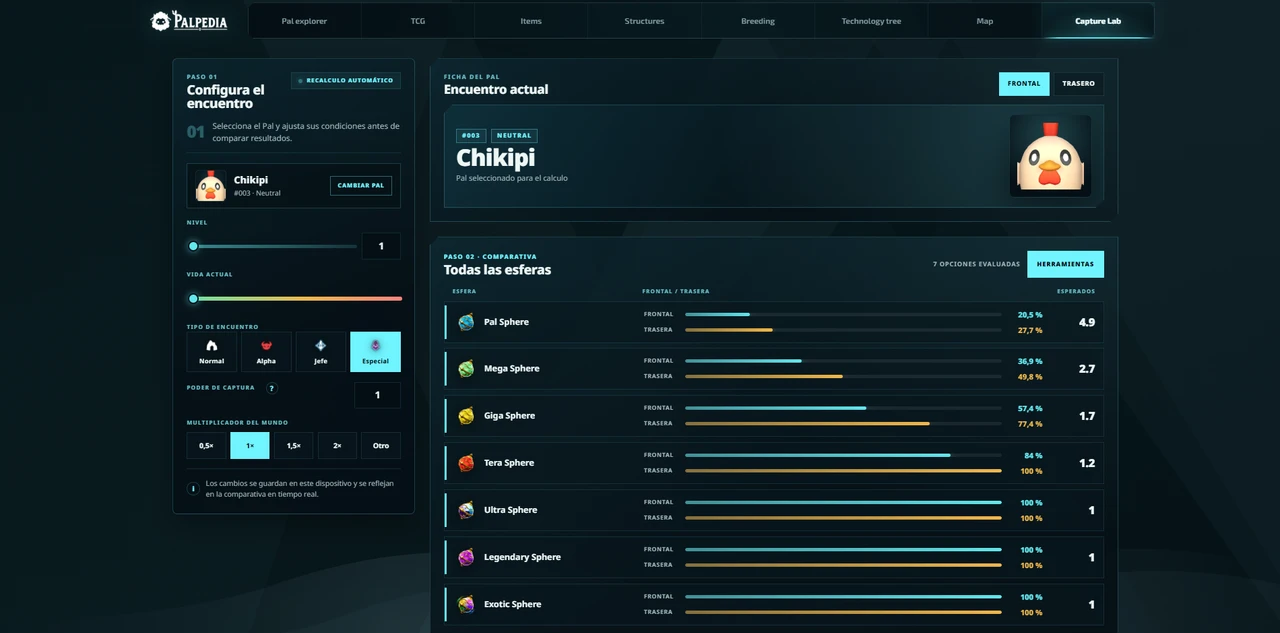
Use Palpedia's capture probability lab to compare Pal Spheres, HP, encounter conditions and multi-throw plans without confusing demo values with official rates.
Use the matching Palpedia tool while you read.
Open Capture LabCapture planning
Treat the result as a transparent scenario
Capture Lab is deliberately labelled as a demonstration because its local formula and values are not presented as official Palworld rates. Use it to compare choices under one consistent model, not as a promise that the next throw in game will match the displayed percentage.
That distinction matters for search answers as well as gameplay. Palpedia keeps the assumptions next to the calculator so a useful planning tool does not turn an estimate into a false fact.
Capture planning
Enter the encounter in a stable order
- Choose the Pal and set its level before comparing Spheres.
- Enter the remaining HP percentage and select the encounter type.
- Add only status effects that are active in the scenario you want to model.
- Set player capture power and the world multiplier to match the same comparison.
- Change one variable at a time so the reason for a better result stays visible.
Capture planning
Compare one throw with a complete plan
A single-throw percentage and the probability of succeeding after several attempts answer different questions. The Sphere comparator is useful for choosing a tier; the throw planner estimates how many attempts are needed to reach a target cumulative probability under the same assumptions.
Inventory and optional unit costs add a practical constraint. The strongest Sphere is not automatically the best plan when a cheaper tier reaches the target with resources you already carry.
Capture planning
Save comparisons, not certainty
Keep a scenario when you want to compare equipment or world settings later, but repeat the calculation after major patches. Formula assumptions, Sphere data and game behavior can change independently. The methodology page records what is verified, what is illustrative and when each dataset was reviewed.
Verification
Sources and review notes
Sources stay visible so this answer can be checked after patches. Palpedia distinguishes installed game data from third-party field reporting.
Keep learning
Related Palworld guides

Palworld 1.0 new Pals location atlas
A version-pinned field atlas for the full current 1.0 roster: Palpagos, the World Tree, encounter levels, night spawns and permanent Pal profiles.
Read guide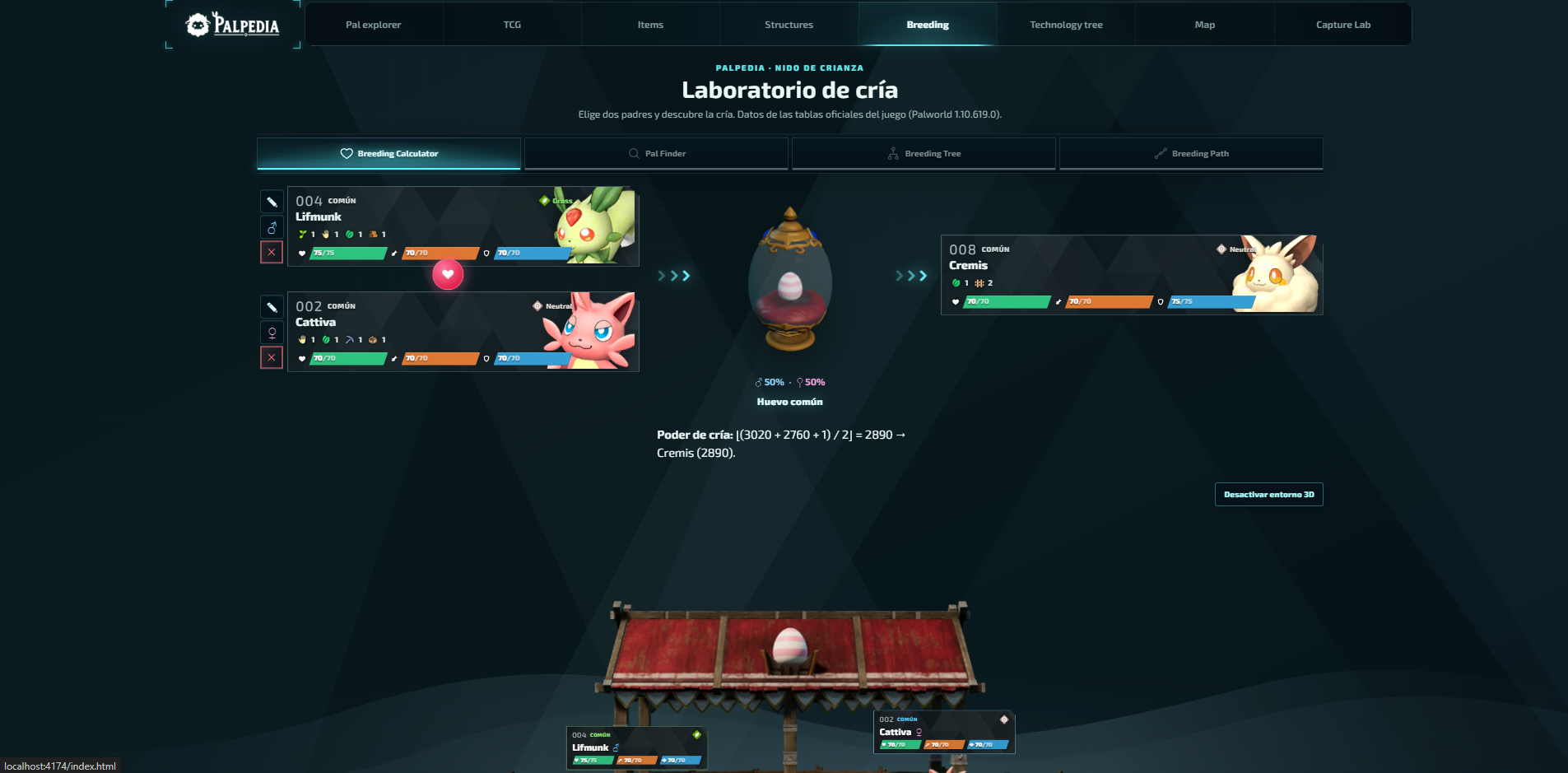
Palworld breeding calculator guide: parents, paths and trees
Choose the right calculator mode, find every parent pair for a target Pal and turn a long breeding chain into a plan you can actually follow.
Read guide
Best base Pals by work suitability in Palworld 1.0
A data-first shortlist for every base job, ranked by the unmodified work-suitability levels in Palpedia's current 299-Pal catalog.
Read guide