
Practical guide
What this guide solves
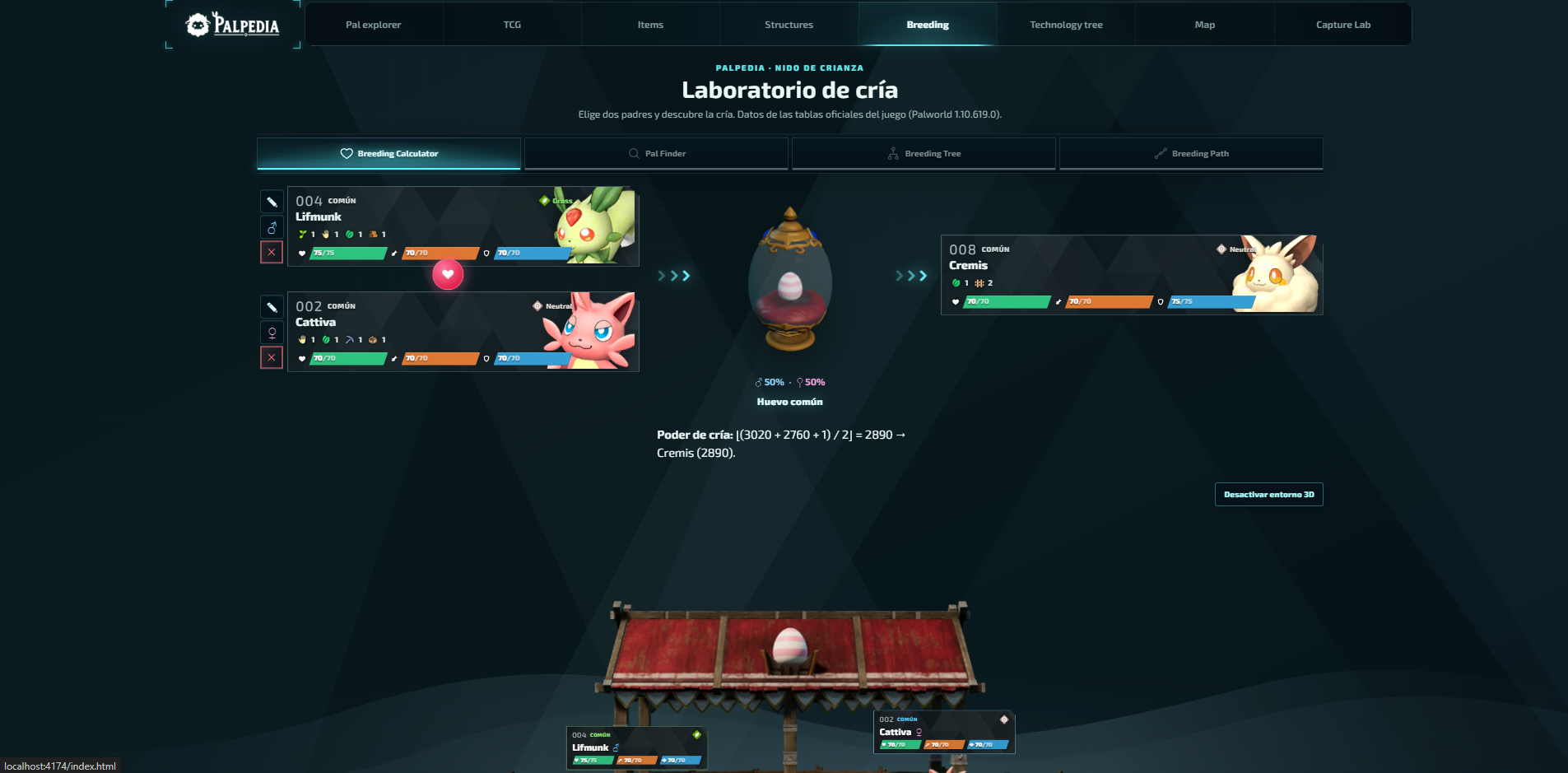
Use Palpedia's Palworld 1.0 breeding calculator to find offspring, reverse-search parents, build family trees and plan multi-generation paths.
Use the matching Palpedia tool while you read.
Open the breeding calculatorBreeding
Start with the question you need answered
Palpedia separates breeding into four modes because each mode solves a different problem. Calculator answers what two selected parents produce. Pal Finder works backwards from the child you want. Breeding Tree records a family line. Breeding Path searches for a practical chain from Pals you already own.
If you begin in the wrong mode, the result can be correct but useless. Pick the target first when your goal is a species; pick both parents first when you are checking a known pair.
Breeding
Find parents for a target Pal
- Open Pal Finder and choose the Pal you want as the child.
- Review every compatible parent pair instead of stopping at the first result.
- Prefer parents you already own or can capture without breaking your progression route.
- Open each parent profile to compare work suitability, elements and any traits you want to preserve.
- Save the chosen pair in a Breeding Tree before starting the hatch cycle.
Breeding
Use a path when one generation is not enough
A direct pair is not always the best route. Breeding Path is useful when the target requires a parent you do not own, or when a valuable passive donor sits several species away from the final child.
Treat each generation as a checkpoint. Keep the intermediate Pal that carries the right traits, then use it as the parent for the next step. This is easier to recover than trying to remember an entire chain after several hatch cycles.
Breeding
What the calculator does and does not promise
The calculator uses Palpedia's version-pinned Palworld 1.0 breeding dataset and keeps unique combinations separate from normal breeding-power results. It can identify valid species outcomes and routes; it cannot guarantee random traits, IVs, gender or mutation outcomes.
Recheck the data review date after a game patch. A calculator is only trustworthy when its version is visible and its gaps are disclosed.
Verification
Sources and review notes
Sources stay visible so this answer can be checked after patches. Palpedia distinguishes installed game data from third-party field reporting.
Keep learning
Related Palworld guides
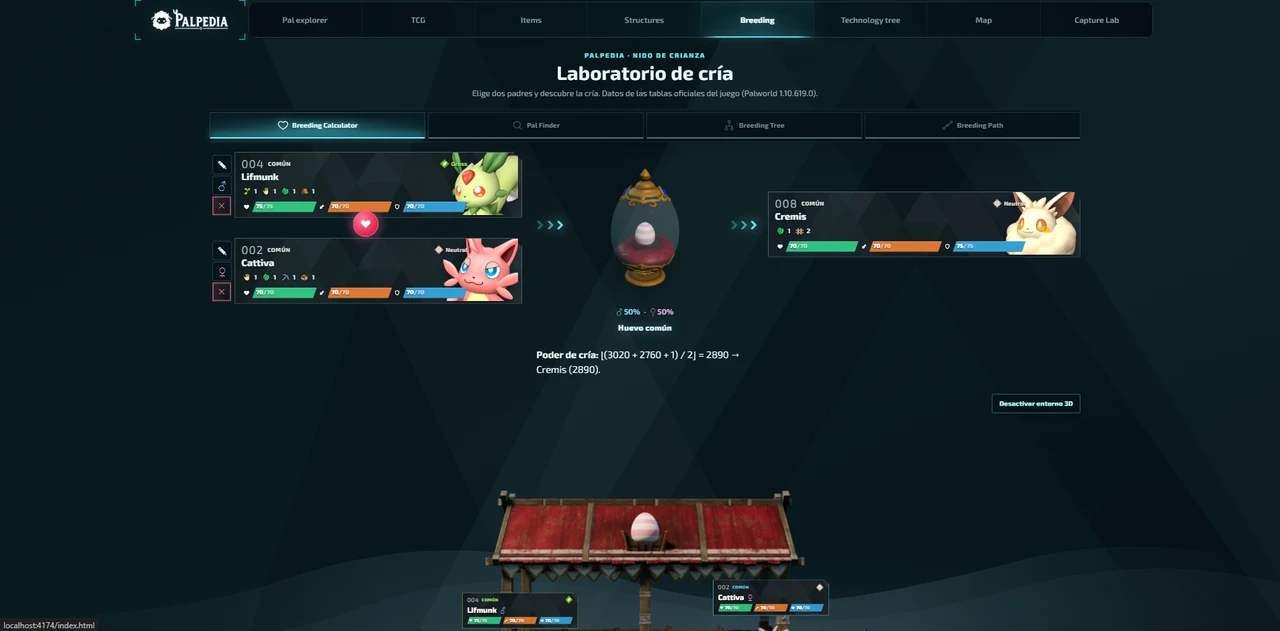
Palworld breeding combinations: find the best path for any Pal
There is no single best breeding pair for every account. Start from the target, compare valid parents and reduce the chain using Pals already in your Palbox.
Read guide
Palworld 1.0 new Pals location atlas
A version-pinned field atlas for the full current 1.0 roster: Palpagos, the World Tree, encounter levels, night spawns and permanent Pal profiles.
Read guide
Best base Pals by work suitability in Palworld 1.0
A data-first shortlist for every base job, ranked by the unmodified work-suitability levels in Palpedia's current 299-Pal catalog.
Read guide