
Practical guide
What this guide solves
Find Palworld breeding combinations with Palpedia's parent, target, tree and path modes, then choose the shortest realistic route from the Pals you own.
Use the matching Palpedia tool while you read.
Find breeding combinationsBreeding
Define what best means for this breeding plan
A pair can be best because it produces the target directly, uses parents you already own, preserves a passive-skill plan or shortens a multi-generation route. Decide which constraint matters before selecting a combination; otherwise a mathematically valid pair may be impractical for your save.
Palpedia keeps direct offspring, target finder, tree and path workflows separate. That prevents a long list of valid combinations from hiding the one route that fits your current Palbox.
Breeding
Choose the calculator mode that matches the question
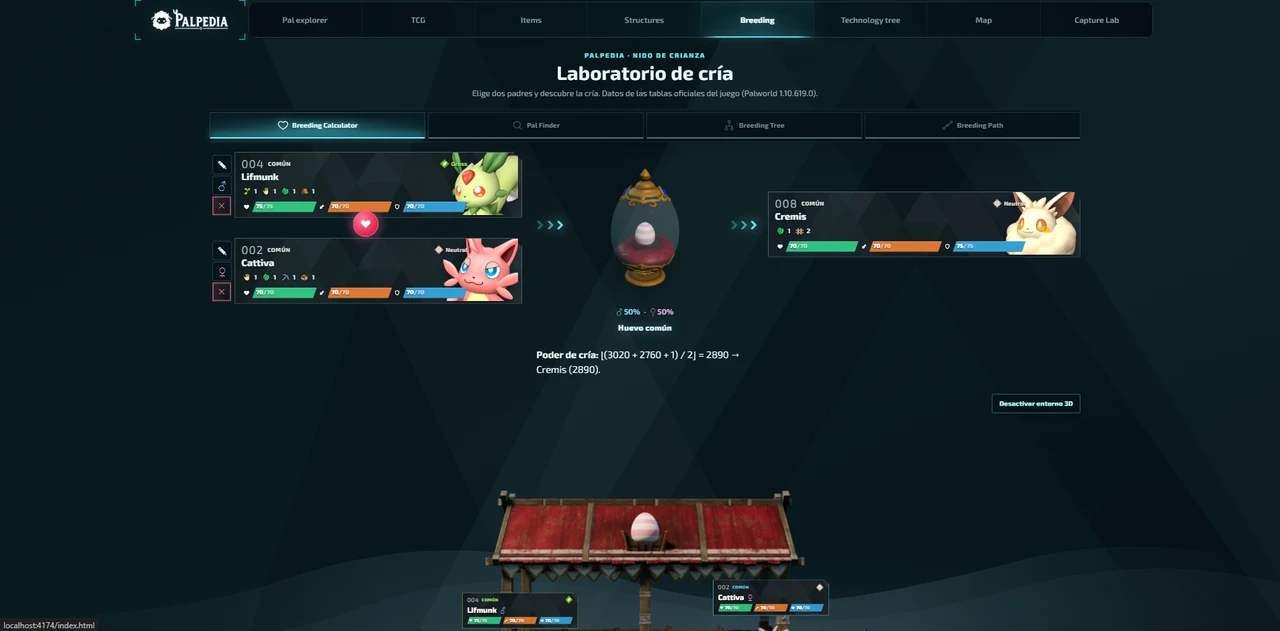
- Use the direct calculator when both parents are already selected.
- Use Pal Finder when the offspring is fixed and you need every valid parent pair.
- Use Breeding Tree to inspect several generations around a target.
- Use Breeding Path when you want a route from a defined set of owned Pals.
- Save the final chain as a checklist before starting egg production.
Breeding
Reduce generations before optimizing passives
First find a route that reaches the correct species with as few uncertain steps as possible. Then decide where the desired passives enter the chain. Trying to optimize species, passives and every intermediate parent simultaneously makes the plan difficult to read and expensive to repeat.
Keep separate breeder lines for combat, work and movement goals until the final stages. The passive-skill guide explains why mixing unrelated traits too early increases the number of outcomes you need to reject.
Breeding
Recalculate after roster or recipe changes
New Pals and restricted combinations can change the shortest route. Palpedia's calculator reads the current local breeding dataset and labels restricted results instead of silently treating every formula as universal. Reopen the target after a major update before repeating an old community chart.
Verification
Sources and review notes
Sources stay visible so this answer can be checked after patches. Palpedia distinguishes installed game data from third-party field reporting.
Keep learning
Related Palworld guides
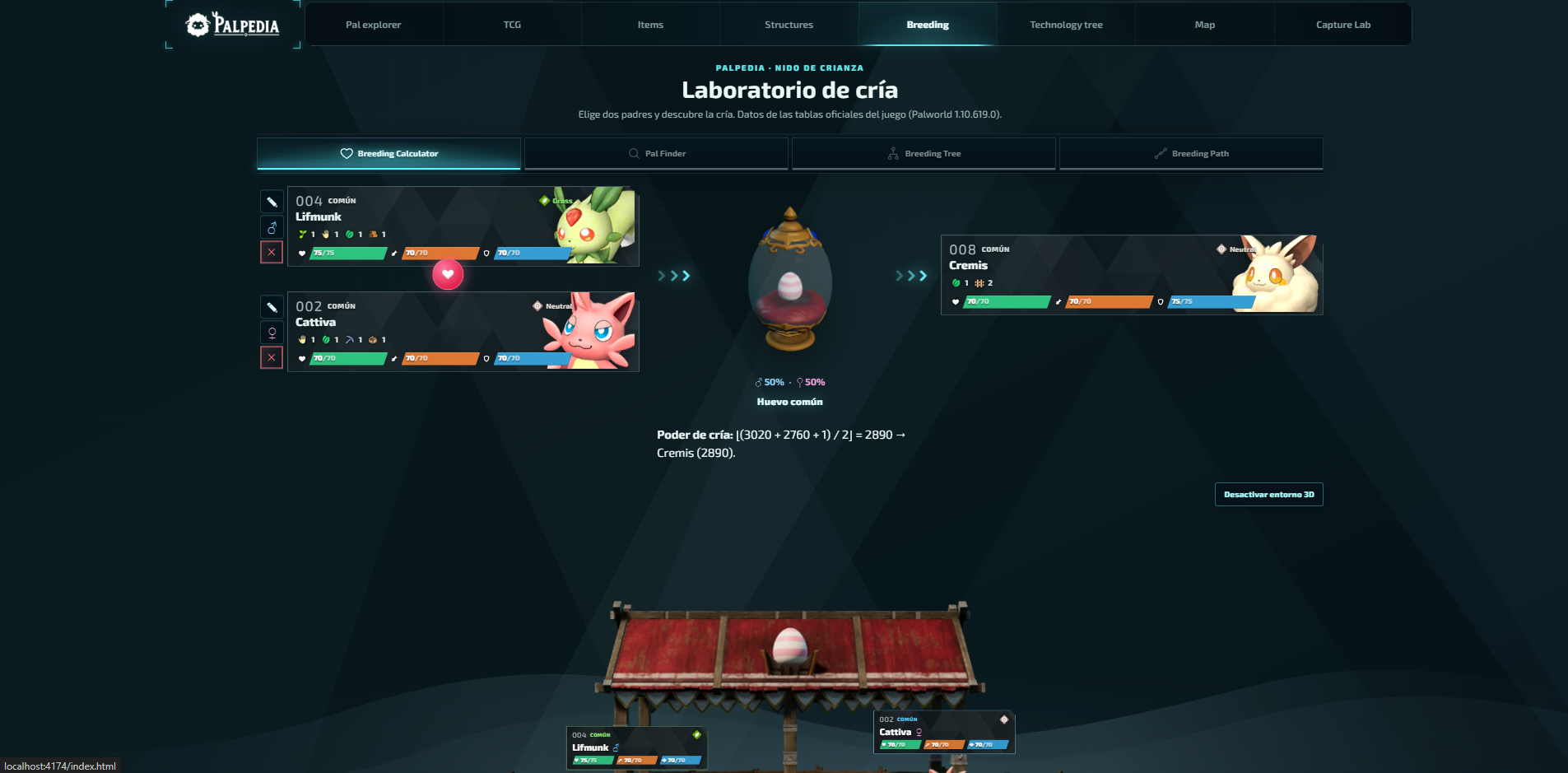
Palworld breeding calculator guide: parents, paths and trees
Choose the right calculator mode, find every parent pair for a target Pal and turn a long breeding chain into a plan you can actually follow.
Read guide
Palworld 1.0 new Pals location atlas
A version-pinned field atlas for the full current 1.0 roster: Palpagos, the World Tree, encounter levels, night spawns and permanent Pal profiles.
Read guide
Best base Pals by work suitability in Palworld 1.0
A data-first shortlist for every base job, ranked by the unmodified work-suitability levels in Palpedia's current 299-Pal catalog.
Read guide