
Practical guide
What this guide solves
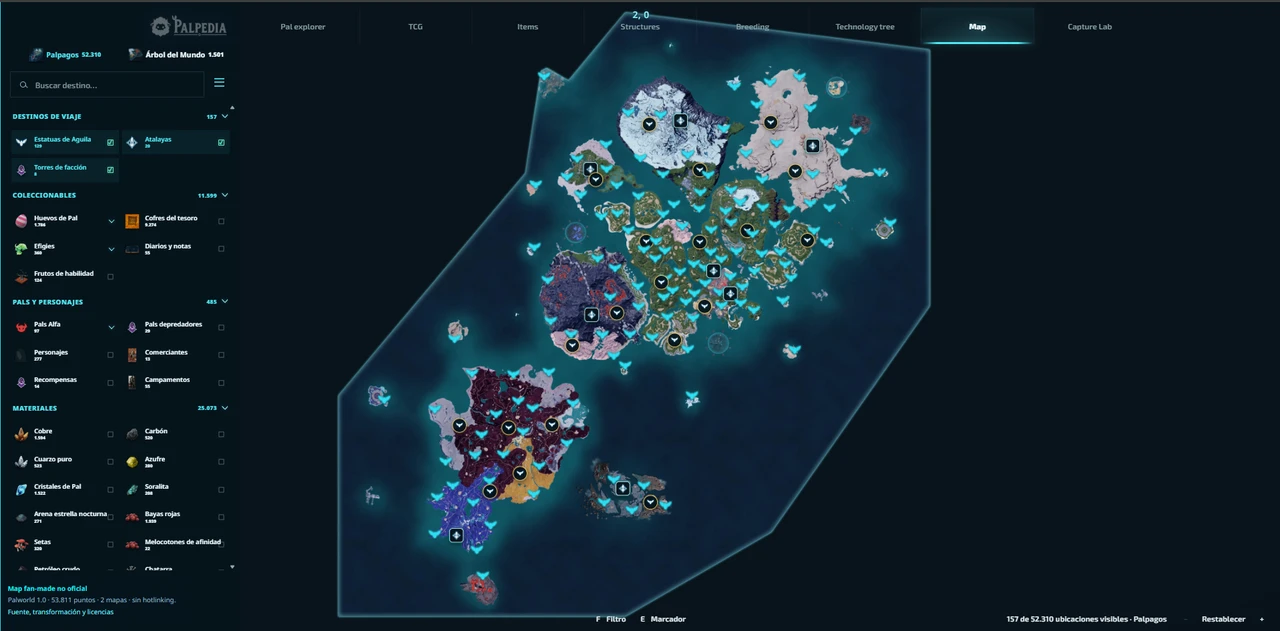
Learn how to use the Palpedia Palworld interactive map to find Pals, Alpha bosses, dungeons, fast travel points, eggs and important resources.
Use the matching Palpedia tool while you read.
Open the interactive mapMap and locations
Start with a question, not every layer
The fastest map workflow begins by deciding what you need: a Pal, an Alpha encounter, a dungeon, a resource or a route between several objectives. Enabling every category at once hides the answer under hundreds of markers and makes the map harder to scan on a phone.
Open Palpedia's layer panel, search the exact name and leave unrelated categories disabled. A focused map also loads fewer icons and makes it easier to notice whether a marker belongs to the main Palpagos region or another mapped space.
Map and locations
Build a route around fast travel and risk
- Locate the target marker and the nearest unlocked fast-travel point.
- Add dungeon, Alpha or resource layers only when they are part of the same trip.
- Check the marker label and region before choosing the shortest visual line.
- Plan a return point when the route crosses a dangerous or isolated area.
- Share the current map state when another player is joining the route.
Map and locations
Confirm the Pal before travelling
Variants such as Jolthog Cryst and Moldron Cryst are separate Paldeck records. Search the permanent Pal profile first to confirm its element, number and work suitability, then use the map for the location question. This prevents a similarly named base form from sending you to the wrong marker.
When the target can also be produced through breeding, compare both routes. A map trip may be quicker for one player while Pal Finder may reveal a shorter path for someone with a developed Palbox.
Map and locations
Recheck locations after game updates
World updates can move encounters, change dungeon pools or add a new region. Palpedia separates its data snapshot from editorial guidance, so check the methodology and marker details when an older route conflicts with the current game. A precise date and a visible limitation are more useful than an unqualified claim that a map is always current.
Verification
Sources and review notes
Sources stay visible so this answer can be checked after patches. Palpedia distinguishes installed game data from third-party field reporting.
Keep learning
Related Palworld guides
Palworld 1.0 new Pals location atlas
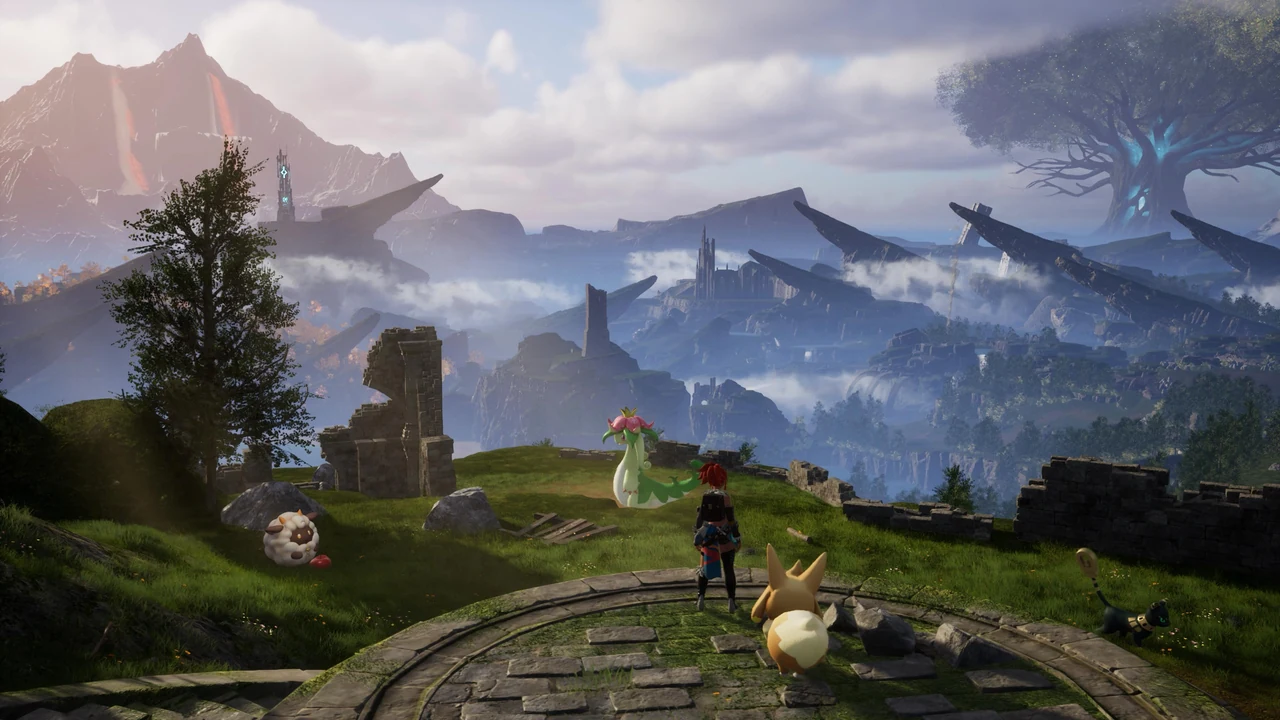
A version-pinned field atlas for the full current 1.0 roster: Palpagos, the World Tree, encounter levels, night spawns and permanent Pal profiles.
Read guide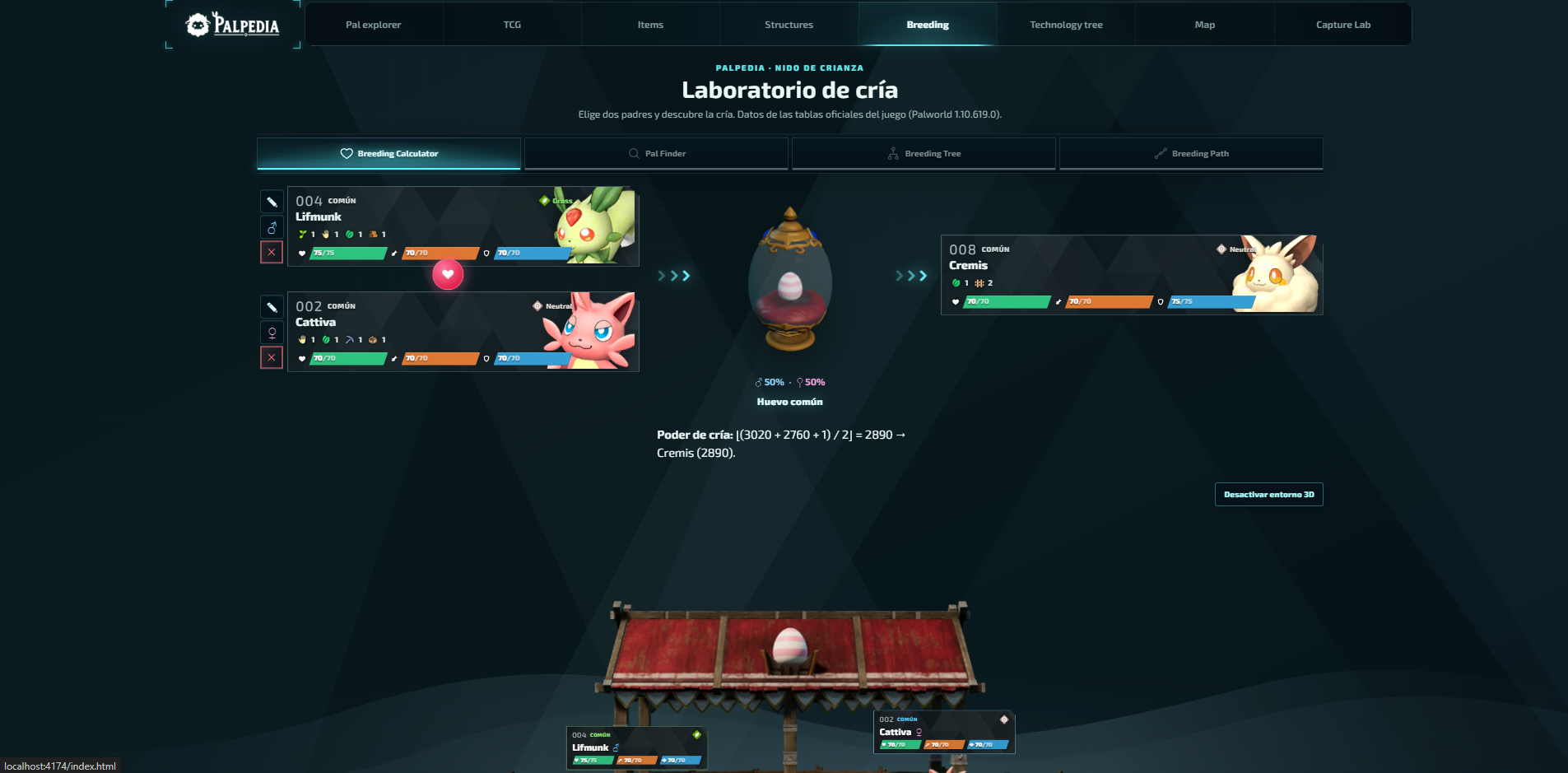
Palworld breeding calculator guide: parents, paths and trees
Choose the right calculator mode, find every parent pair for a target Pal and turn a long breeding chain into a plan you can actually follow.
Read guide
Best base Pals by work suitability in Palworld 1.0
A data-first shortlist for every base job, ranked by the unmodified work-suitability levels in Palpedia's current 299-Pal catalog.
Read guide