
Practical guide
What this guide solves
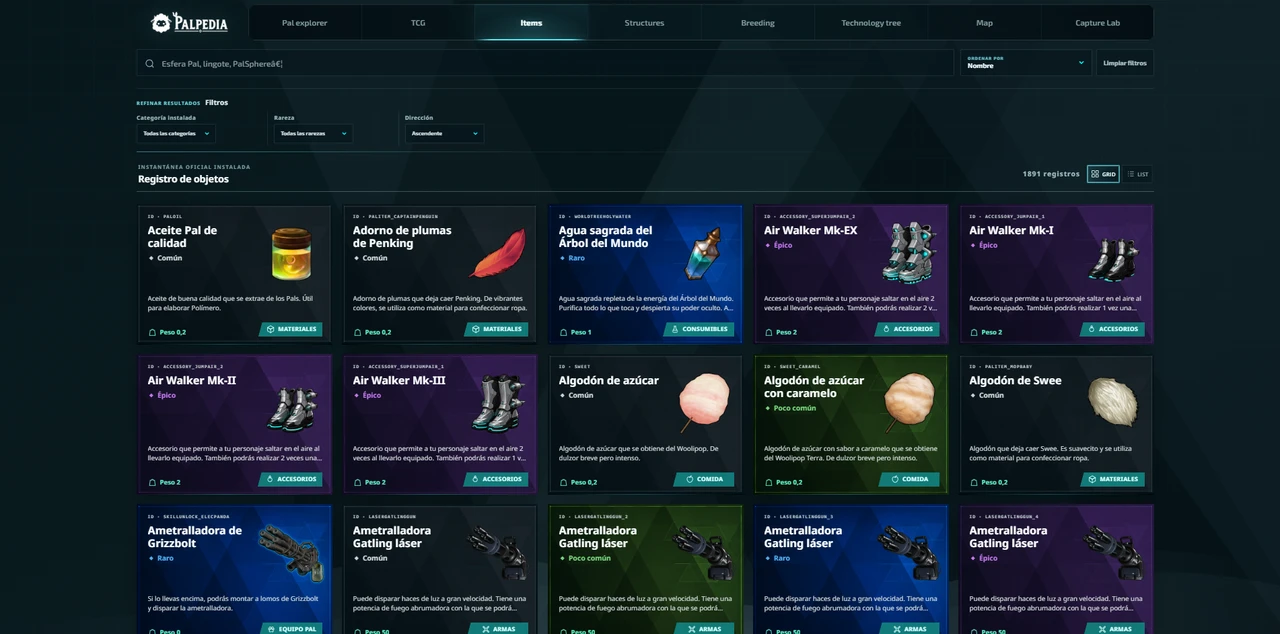
Find Palworld items and resources by searching permanent profiles for recipes, materials, unlock levels, identifiers and related structures.
Use the matching Palpedia tool while you read.
Search the item databaseItems
Search the exact record first
Start with the item database instead of a broad web query. A permanent profile separates similarly named materials and keeps recipe, rarity, unlock and identifier fields under one canonical URL.
If a field is unavailable in Palpedia's current snapshot, the page says so. That is a signal to check a primary source or the game rather than treating an old result as current.
Items
Follow dependencies in the right order
- Open the target item's permanent profile.
- List the recipe materials you do not already produce.
- Open each missing material or related structure in a new tab.
- Check the technology tree for level and point requirements.
- Use the map only for dependencies with a verified spatial source.
Items
Save the permanent URL for repeat production
Inventory questions return throughout a playthrough. A stable profile is more useful than a screenshot because it can be updated after patches and linked directly from a production checklist.
For broad planning, pair the item database with Structures and Technology Tree. For one scarce material, use a focused acquisition guide when Palpedia has enough verified information to publish one.
Verification
Sources and review notes
Sources stay visible so this answer can be checked after patches. Palpedia distinguishes installed game data from third-party field reporting.
Keep learning
Related Palworld guides
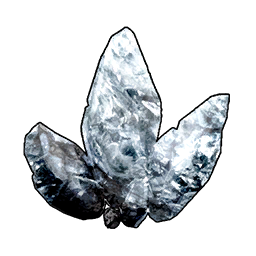
How to get Pure Quartz in Palworld and what it is for
Use the item record, map and production dependencies to turn a Pure Quartz shortage into a repeatable supply route.
Read guide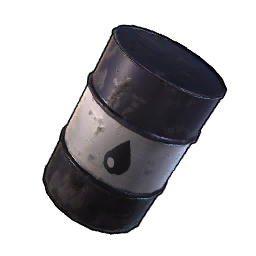
How to get Crude Oil in Palworld and improve production
A current planning guide for oil-field extraction, power, storage and the v1.0.3 improvements to oil production.
Read guide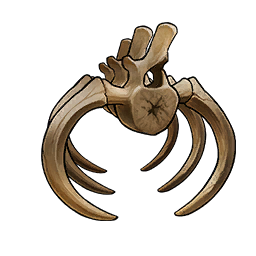
How to get Ancient Bone in Palworld 1.0
Ancient Bone comes from mineable ribcage nodes inside Wildlife Sanctuary No. 3. Here is the direct route and what to bring.
Read guide